Your music
Local playback, ID3 album artwork and Bluetooth audio.
Your cockpit. Your choice.
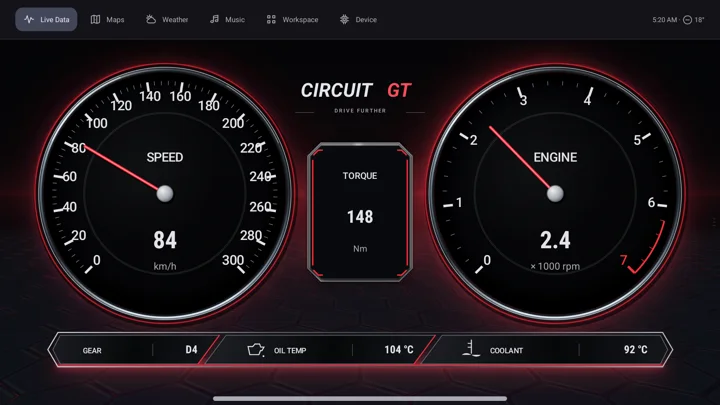
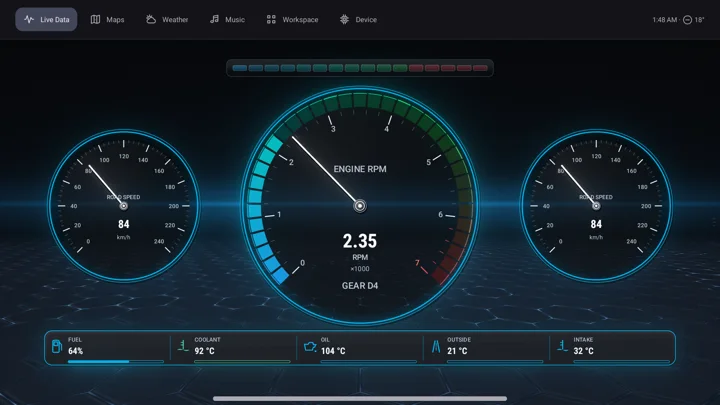
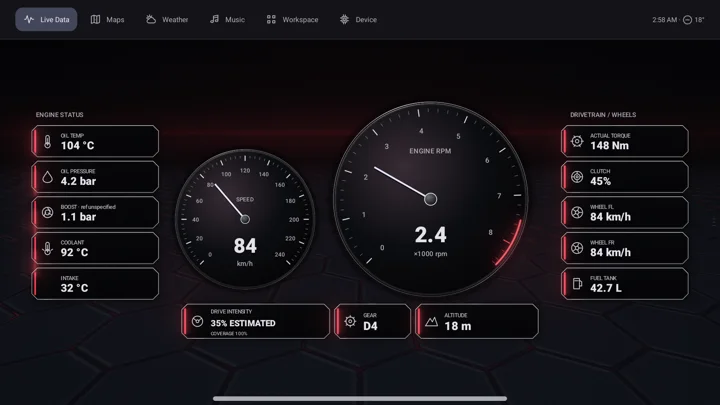
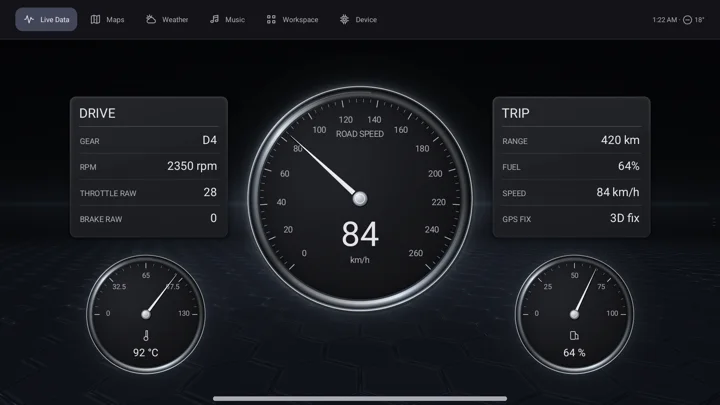
A custom Android car dashboard with 44 digital instrument clusters, gauges, music and maps. Build your own virtual cockpit with a Lawnchair-based custom launcher, then make the look your own.
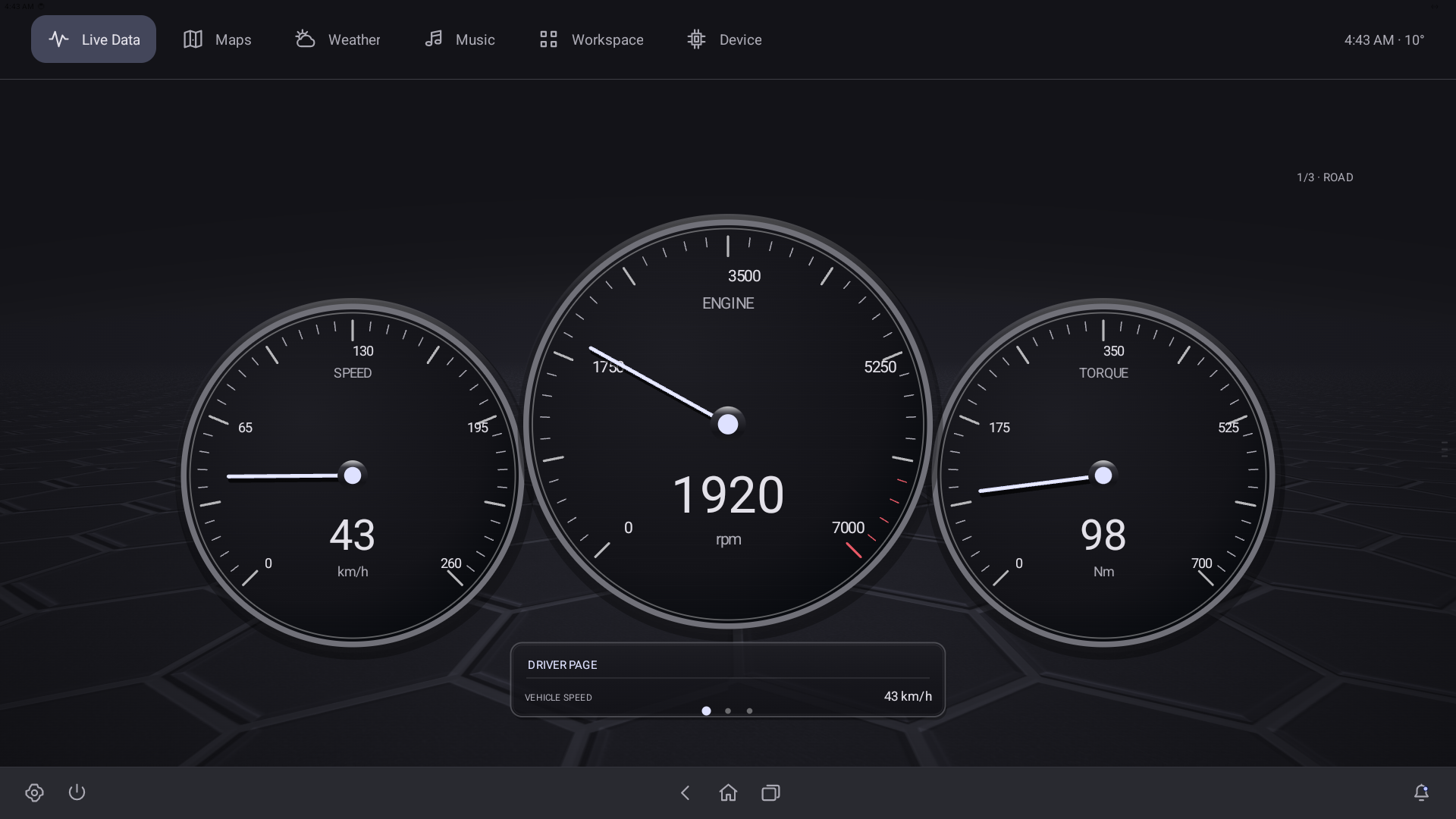
Music, maps, vehicle data and personal style. Keep the everyday interface as simple as you like.
Local playback, ID3 album artwork and Bluetooth audio.
Record routes, replay a drive and explore its data.
Keep the readings that matter in your line of sight.
Choose a clear daily layout or something more expressive.
Swipe up or down through your favourites, with wraparound.
Show Maps and Music, focus on Live Data, or choose your own mix.
Themes, Monet colours, wallpapers and Iconify customization.
Apps, widgets, weather and familiar everyday tools.
The same navigation stays familiar as you move between the cluster, music, maps, apps and vehicle tools.
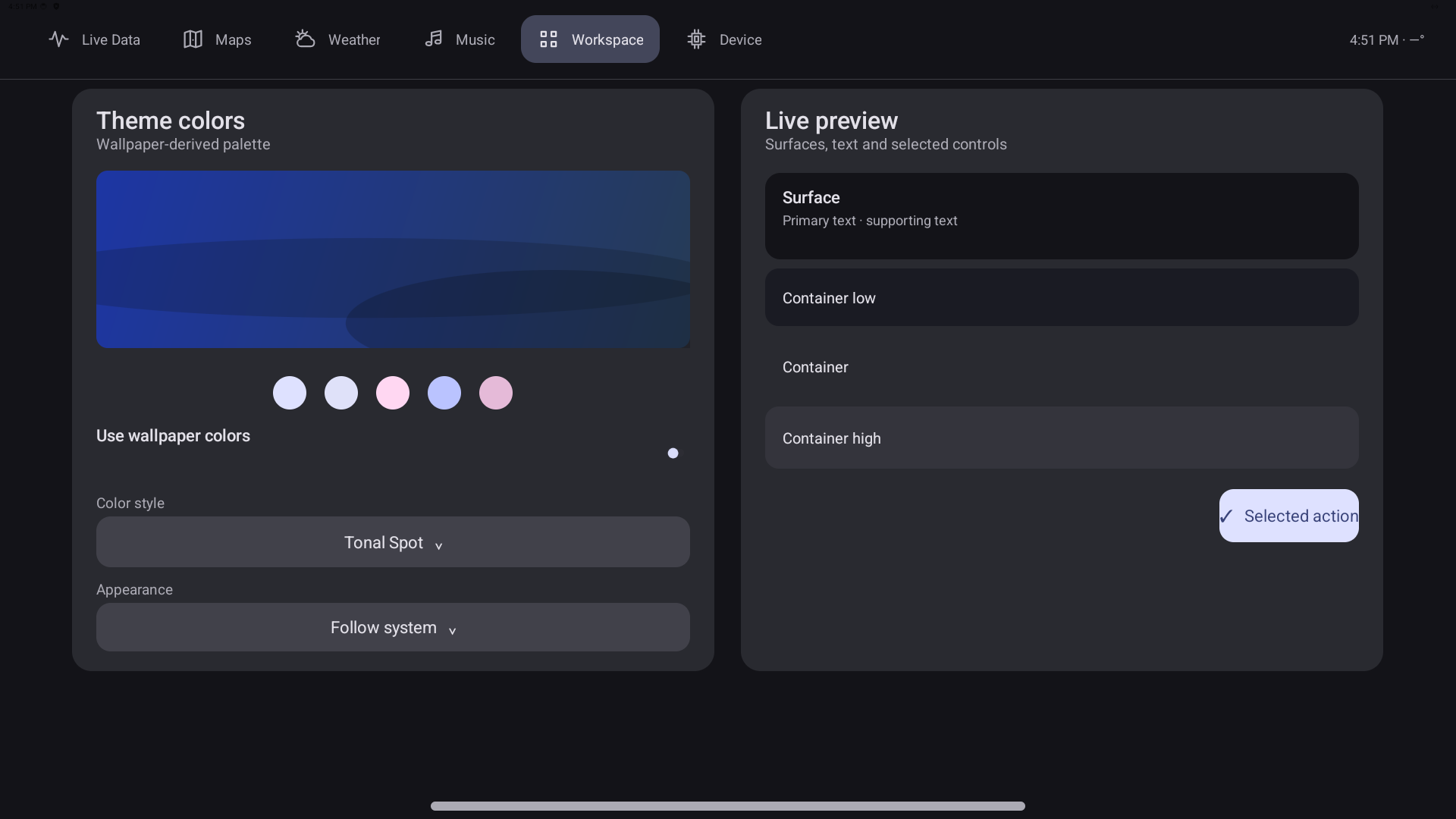
A configurable daily surface
Keep just Maps and Music in the top bar, or make Live Data your focus. Hide destinations you do not use and swipe through favourite clusters without opening the picker.
Explore customizationChoose from all 44 clusters, including expressive OpenGL designs. Favourite the ones you love and swipe up or down through them on the main cluster screen.
Local music playback, ID3 track information and album artwork are working parts of the product. Spotify integration is still in development.
Your library in the cockpit
A dedicated Music destination keeps playback close, without leaving the familiar dashboard navigation.
Explore music features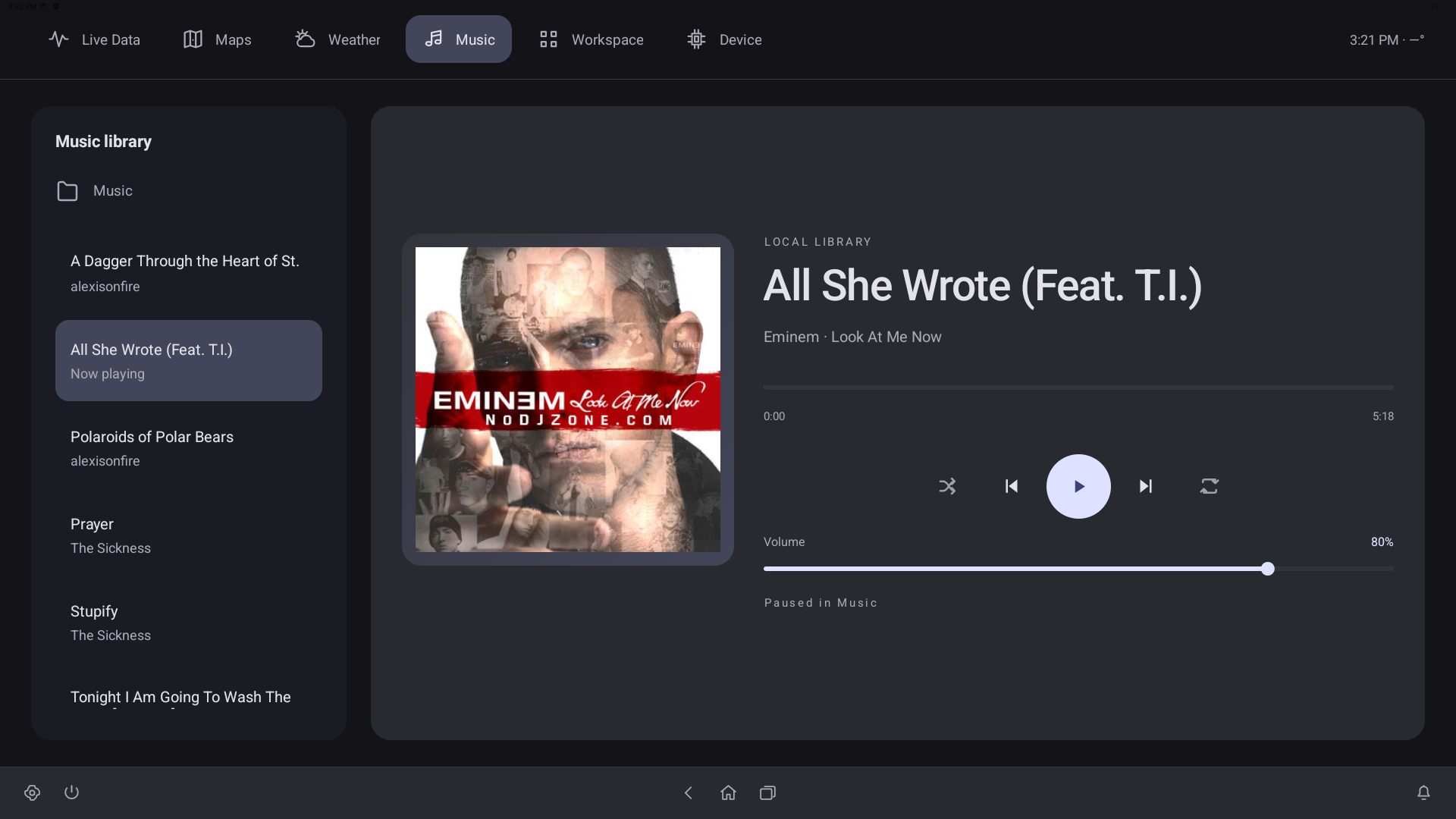
Record routes, choose the vehicle data to keep, and replay a drive with a timeline. Build courses and compare closed-course sessions without leaving the map workspace.
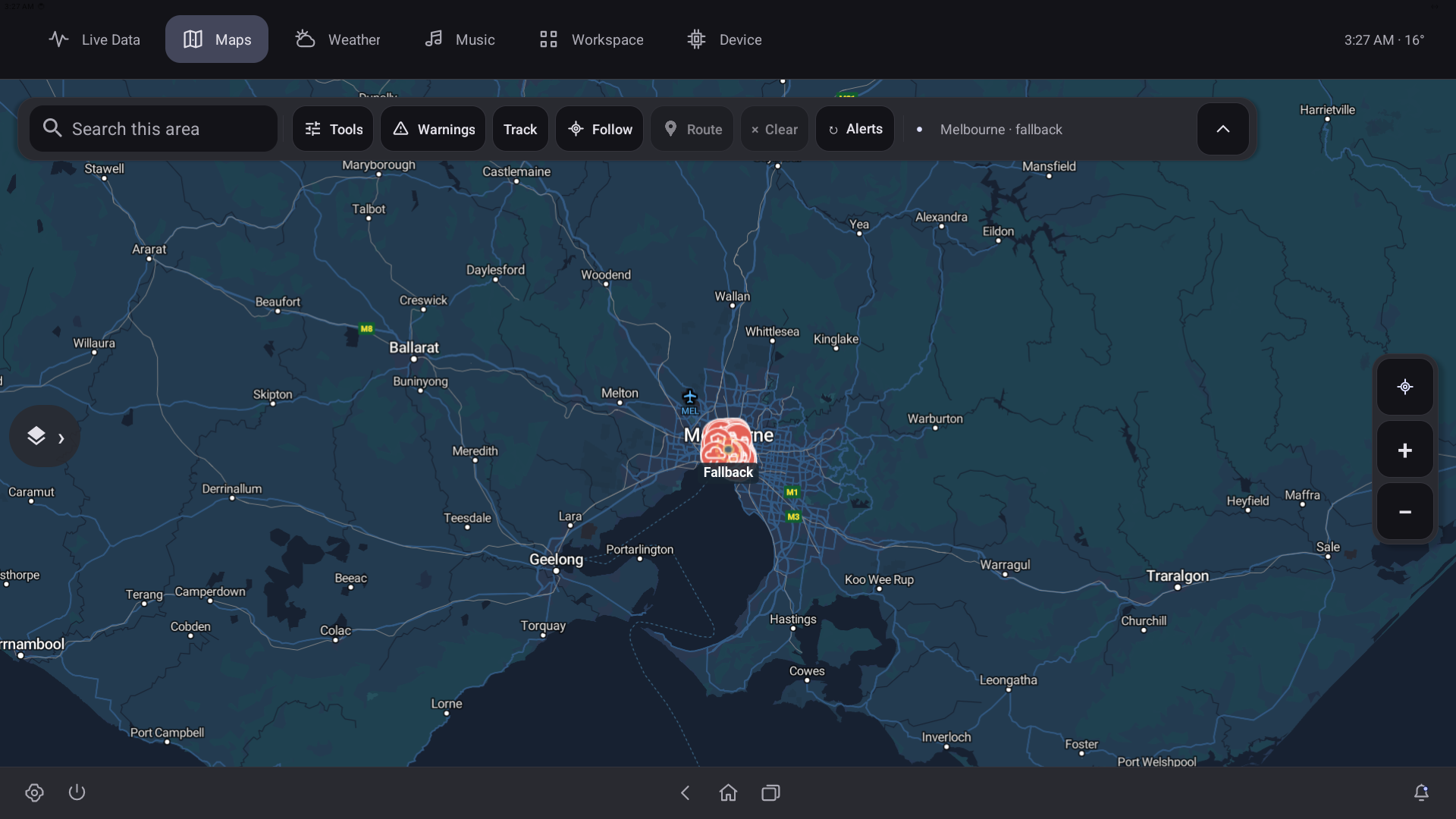
Routes, recordings and replay
Saved courses, telemetry presets, event capture and recorded-drive review bring the route and its data together.
Explore the full feature listUse Dynamic Dash as an everyday head unit, a screen-free plugin platform, or both.
First-class .NET plugins
Build and package plugins in Visual Studio. Run background logic or native UI panels, pin plugins in the top bar, and manage a headless device from your phone or PC.
Explore the developer platform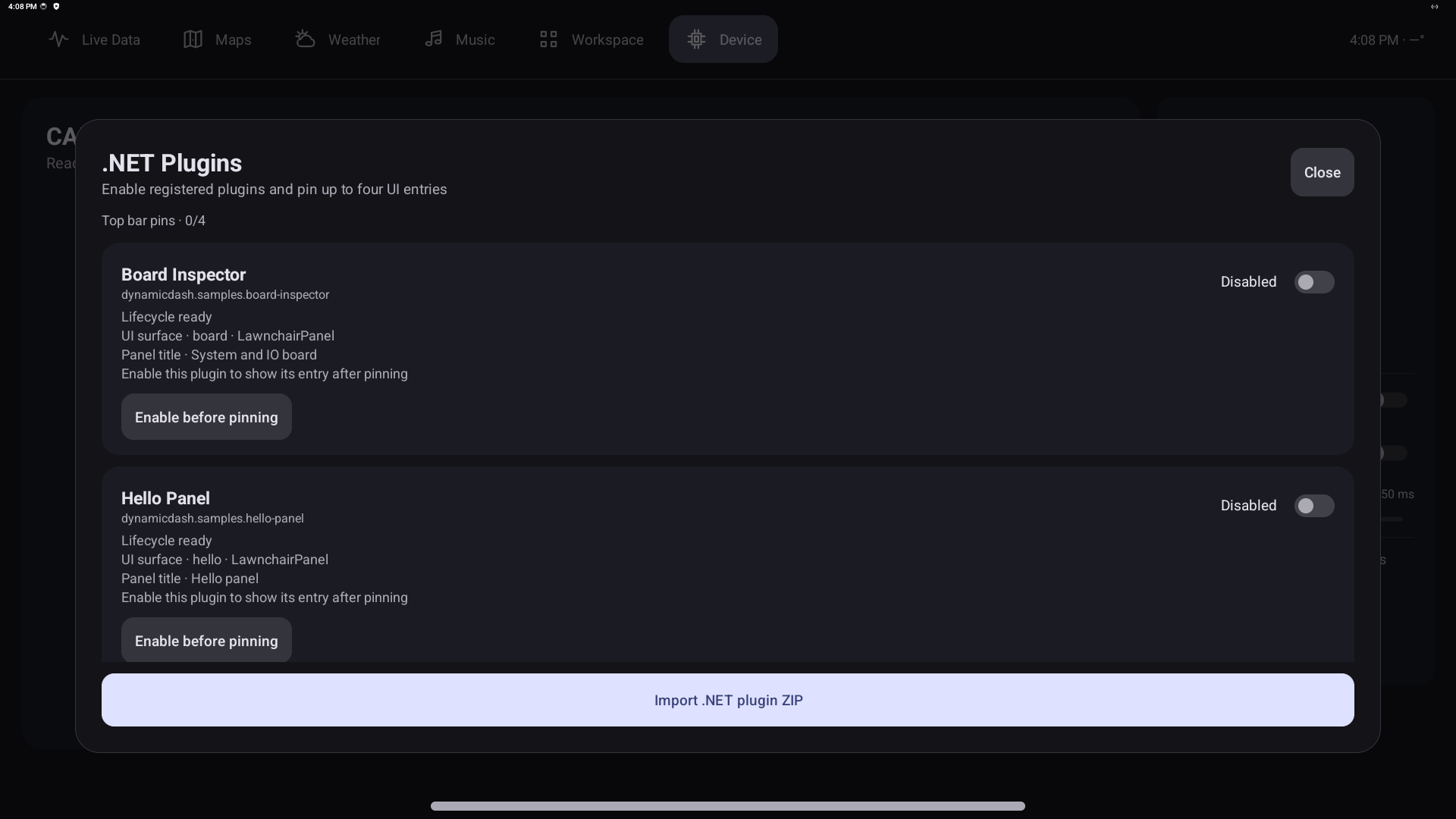
An optional, device-wide research workflow connects Dynamic Dash, Codex and a home PC through a relay.
Connected research · An optional device-wide capability
Monitor the device remotely, interact with its interface and collect screenshots, CAN logs, markers and GPS routes. Transfer the captured material to a home PC for custom analysis and further experiments.
Explore connected researchBackground research, experiments and telemetry collection can continue while driving. Questions and interaction-demanding prompts wait until the vehicle is stopped.
Implemented · Initial in-vehicle use completed; validation continues
Voice interaction is being validated: Whisper speech-to-text relays spoken requests, and OpenAI Nova provides spoken replies. Playback has been confirmed; continued in-car checks remain.
Three proposed configurations, with the same software foundation. Pricing and availability are still to be determined.
Use customer-supplied compatible Khadas and Panda hardware with the Dynamic Dash software, custom ROM and integration. A screen is optional: manage plugins and inspect device health from a phone or PC in headless mode.
Explore this setupA supplied Khadas and Panda platform with Dynamic Dash software and its custom ROM preinstalled.
Explore this setupA screen, Khadas and Panda brought together in one integrated unit with Dynamic Dash software and its custom ROM.
Explore this setupCredit to the projects, people and platforms that make Dynamic Dash possible, from its foundations to the ideas that shape the experience.
Operating-system foundation
The open-source Android base for the custom Android 14 system.
Hardware platform
The Edge2 Pro board powers the head unit, using the max-spec bare-board configuration.
Launcher foundation
The custom Dynamic Dash launcher is based on Lawnchair, including its native Android Workspace, apps and widgets.
Customization integration
Integrated Android system appearance and customization tools.
File-browser integration
The integrated Android file manager used to browse and manage files.
CAN hardware and firmware platform
White Panda provides the CAN interface, with custom firmware for Dynamic Dash.
Runtime and compiler tooling
The managed runtime and compiler technology behind the Android/Bionic plugin platform and creator workflow.
Map tiles and cartography
MapTiler supplies the map tiles and cartography used by Dynamic Dash Maps.
Traffic and road reports
Waze report data contributes traffic and road alerts to the map and configurable warning tools.
Connected service hosting
Microsoft Azure hosts GeoServer and the relay connecting the Edge with the research tools on the host PC.
Design foundation and inspiration
Material design principles and dynamic color inform the interface, themes and custom Monet integration.
Engineering, connected research and speech recognition
OpenAI and Codex support engineering, testing and the optional connected research assistant. Whisper speech-to-text relays spoken requests; the voice loop is undergoing continued validation. The connected assistant is an optional capability alongside the core head-unit experience.
Historical prototype platform
The first diagnostic-message reader and tiny-screen prototype.
Historical interface technology
Used in the Windows and Surface stage of the project’s development.
Historical hardware platform
An earlier development generation before the current Android system.
Audible assistant replies
OpenAI Nova provides spoken replies for the optional connected assistant. Audible playback has been confirmed; continued in-car validation remains.
These credits identify each project’s role and contribution. They do not imply endorsement or affiliation.
Help shape what comes next
Tell us how you would use it, or share feedback on a cluster design. This is an expression of interest in a potential product, with no order, payment or commitment.
Daily head unit, screen-free plugin platform, development tool or something of your own: we would like to hear what matters to you.
Pricing and availability are to be determined. Shipping details are coming soon.
Details are stored privately and used to review your interest or feedback and contact you about it. You can ask to have your details removed. No account is required.